
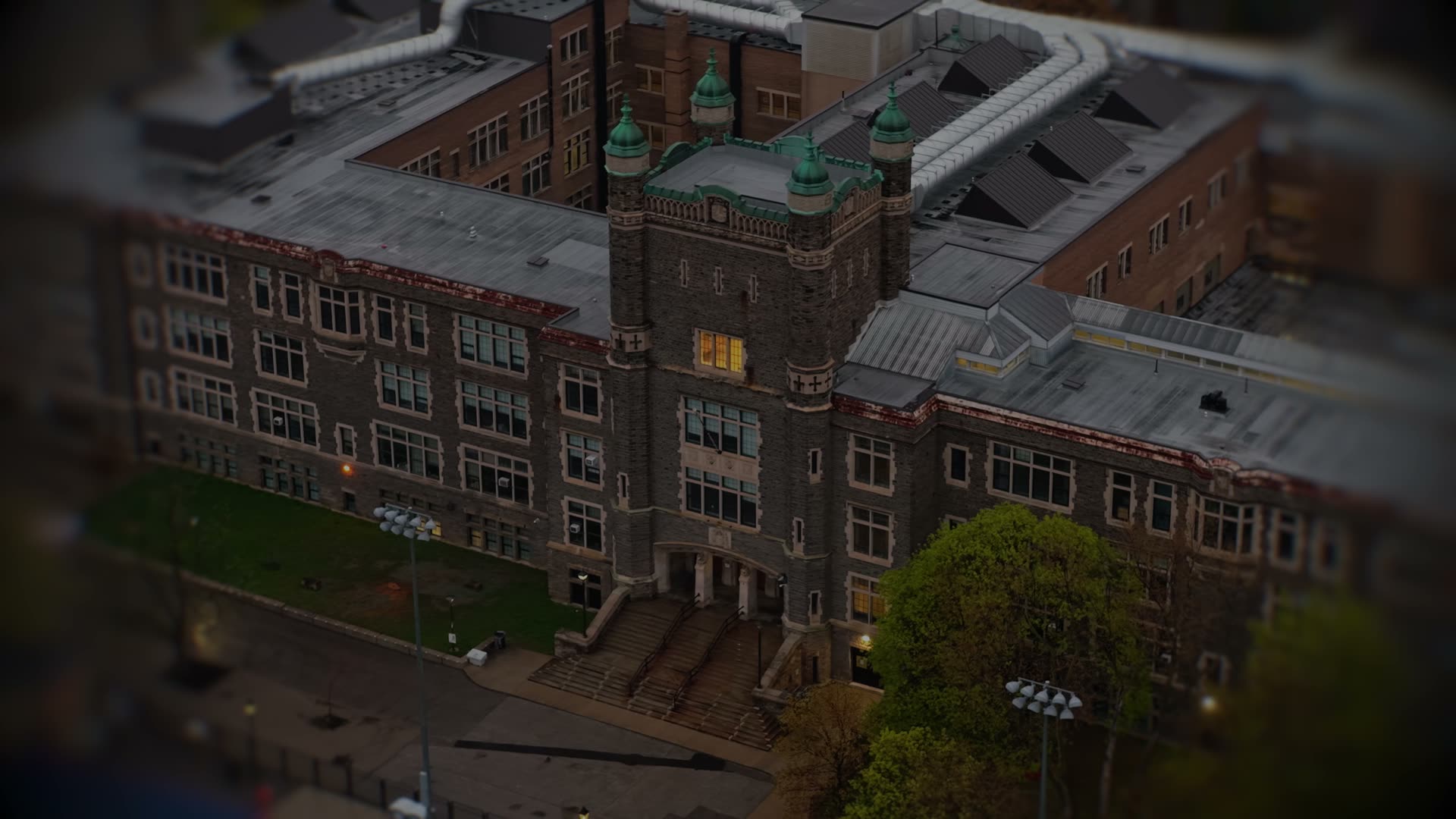
The easiest phone policy for schools.
Opal blocks distracting apps during school hours and helps students build a healthier relationship with technology.


Watch the Opal for Schools film
Trusted by leading schools







Automatic bell-to-bell blocking
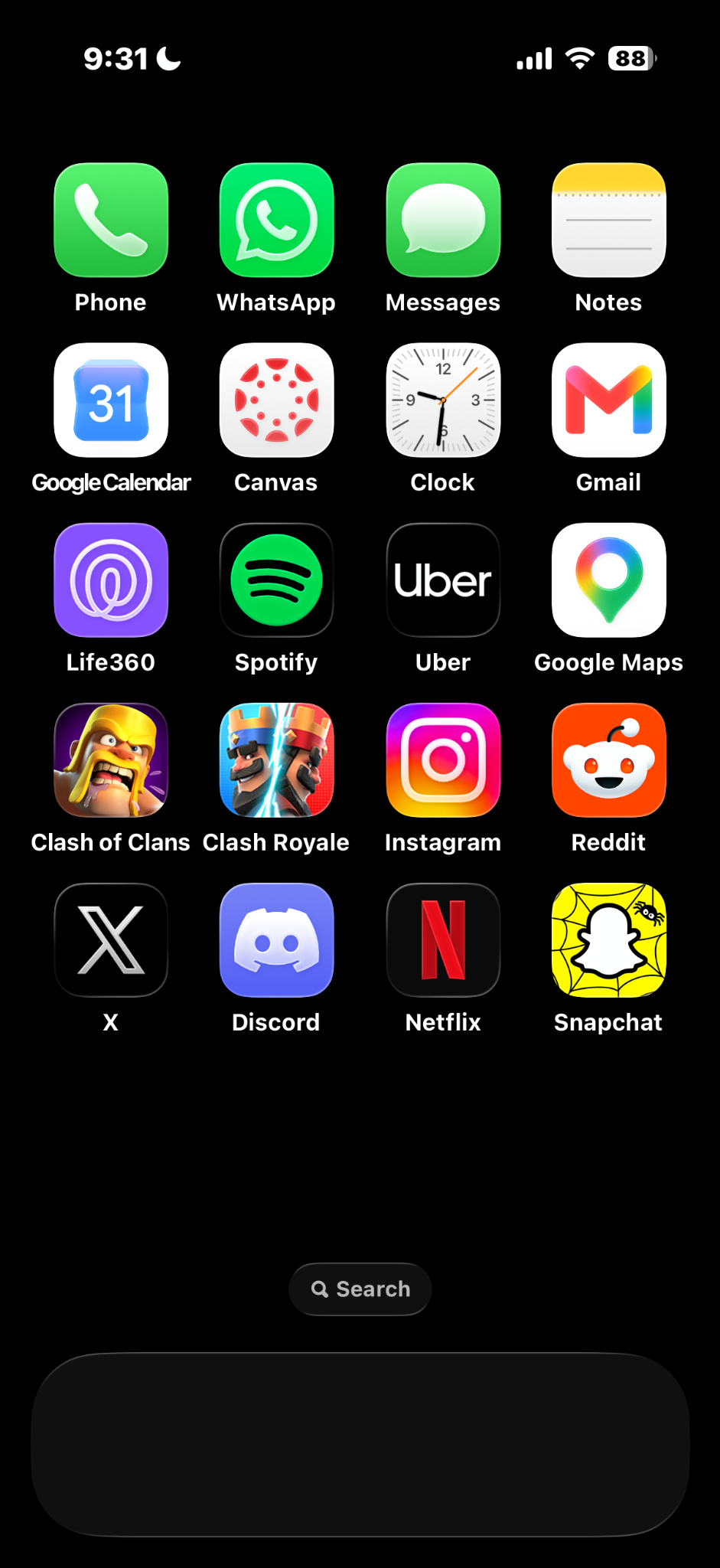
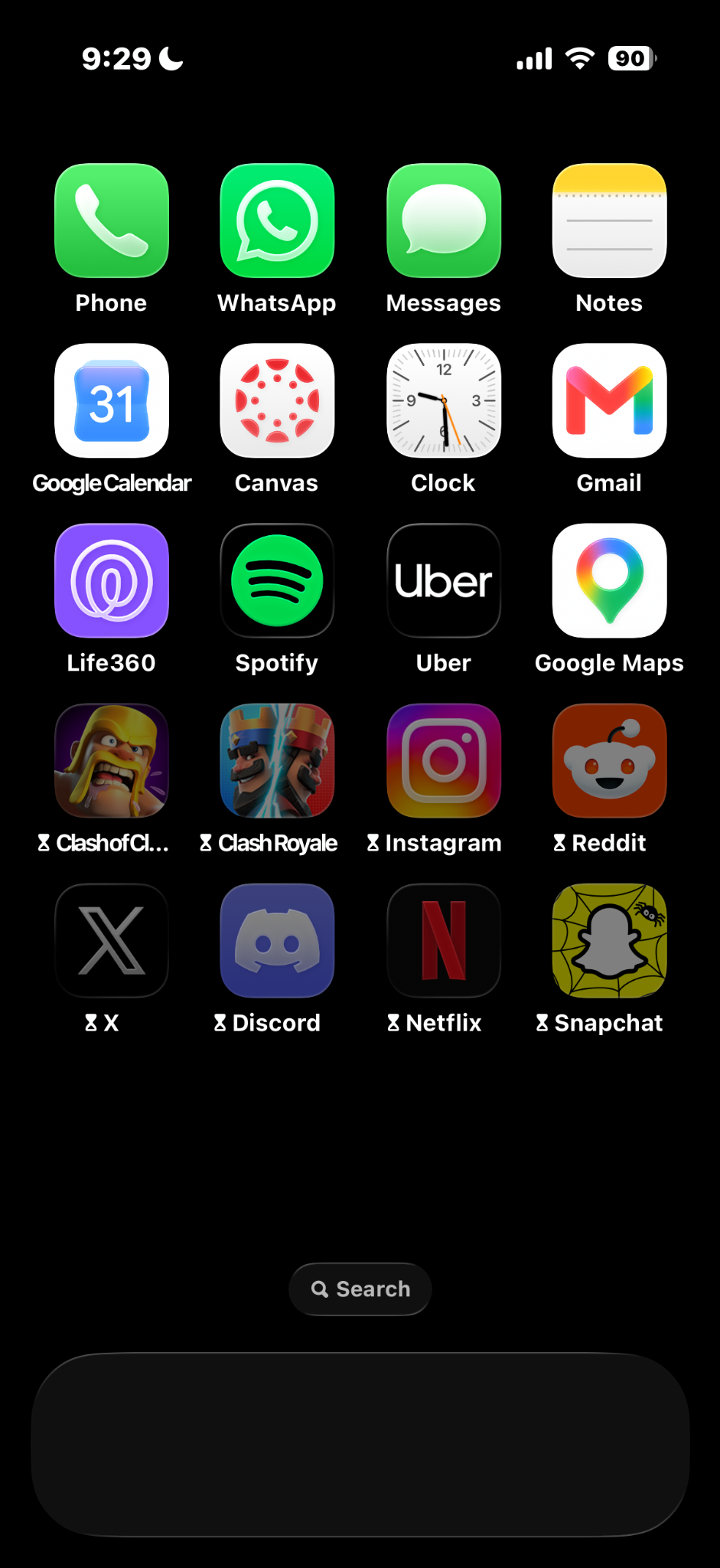
Distracting apps are restricted during school hours, and become available after the last bell. Outside school, students get Opal PRO for free and set their own limits.

Set up in three steps
A 30-minute call with our team, and your school can be live in as soon as one day.
Choose strictness
Pick the categories to block during school hours. Calls, texts and school-approved tools are always available.

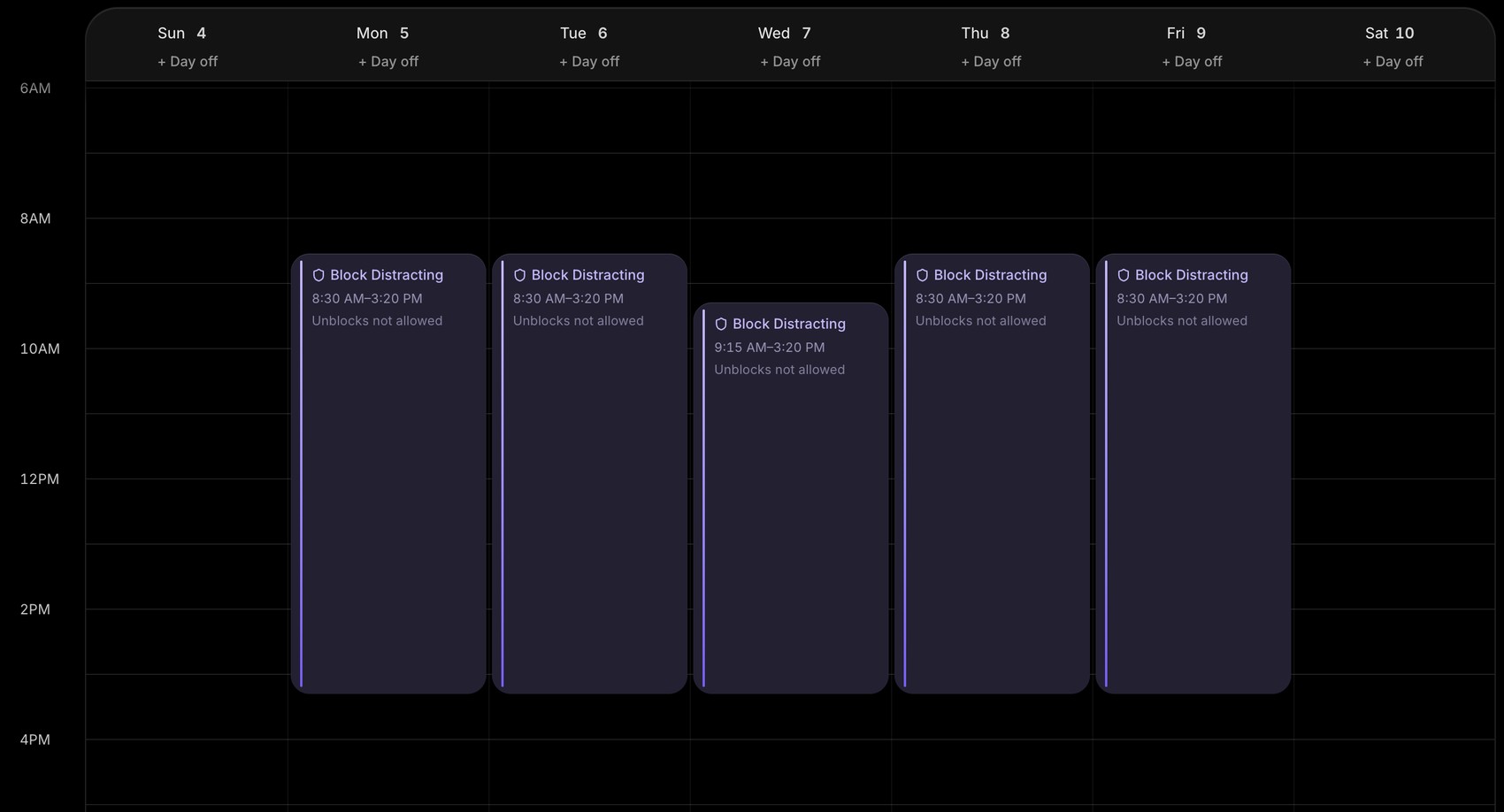
Apply the schedule
Apps are blocked automatically based on your school day. Boarding schools can add a separate night-time schedule.
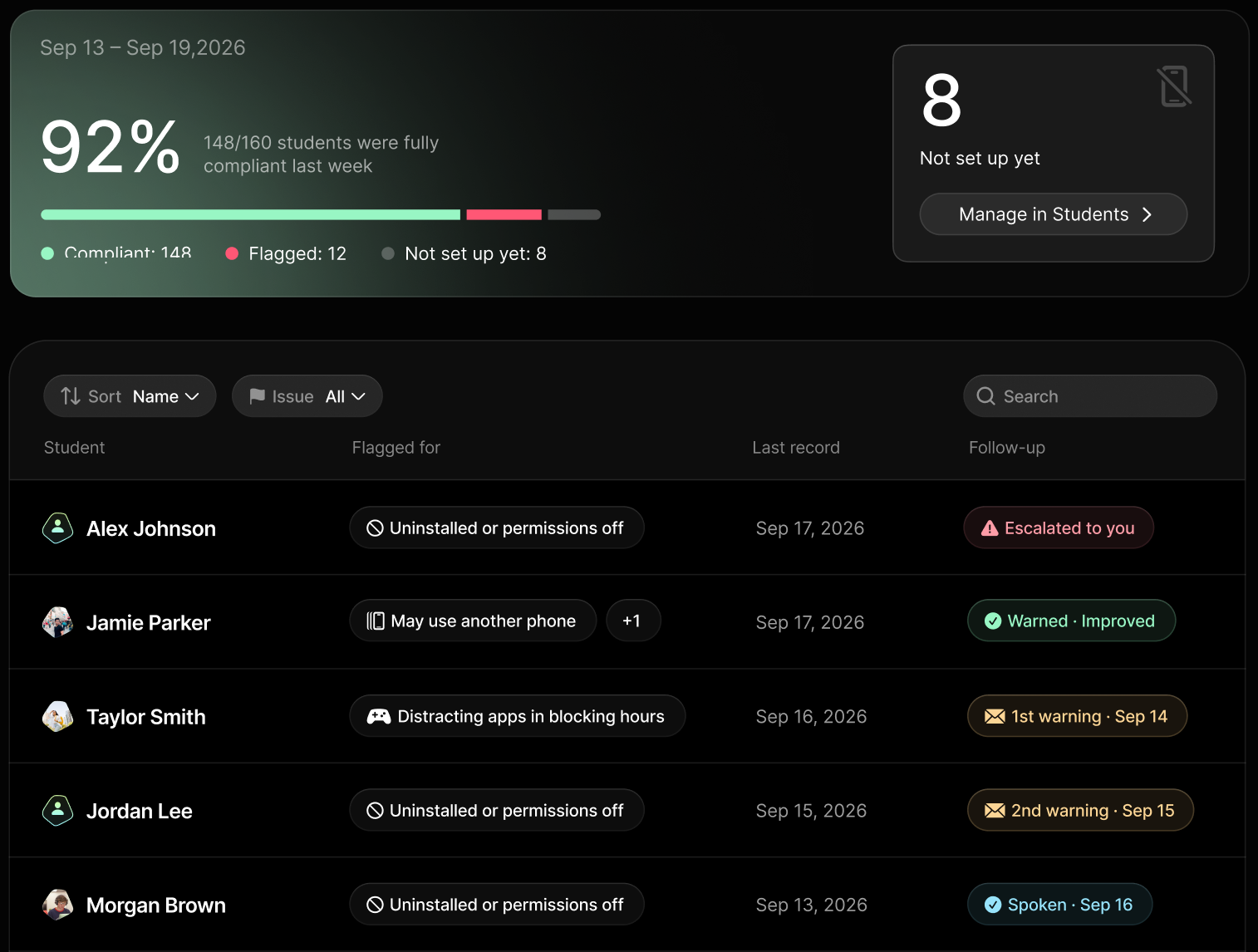
Monitor compliance
Admins see who is set up, who is compliant and who needs a follow-up. All restrictions can be lifted in one click in an emergency.
Bell‑to‑bell bans end at 3pm. Opal helps from bell‑to‑bed.
Students choose to continue using Opal outside of school for homework, family, and sleep, making it the only solution that impacts from bell‑to‑bed.
 ClassroomClassroomBreakClassroomBreakHomeworkFamilySleep
During school hours the school sets the policy. After school, students keep Opal Pro for free and set their own limits.
Learn morePhone pouches end at the last bell. Students binge after school and never learn to self-regulate. Opal is the first bell-to-bed phone policy.
Lock-up methods like pouches and cubbies fail to improve grades, wellbeing, or overall screen time. The Lancet, 2025
106 minutes less screen time.
Every day.
Students on Opal for Schools average 3h 49m of screen time a day. Teens without Opal average 5h 35m.
Students set their own limits for homework, family time and sleep.
Against a 5h 35m benchmark for teens without Opal.
Upload the roster, set the schedule, send the invite.
without Opal
Schools
schoolers
7,000,000 students
choose Opal
Students use Opal because it helps them, not because they have to. Here is what they say on the App Store.
“I have noticed a huge spike in productivity, a sharp decline in mindless scrolling, and my health is so much better now.”
App Store · Jan 2025“I use it everyday after school when I’m about to start my homework so I don’t access tiktok and start doomscrolling.”
App Store · Apr 2025“My screen time was averaging 6-8 hrs a day but in just one week I’ve gone to two hours a day and been able to focus on academics.”
App Store · Jan 2025“I’ve probably never used my phone less before I got opal and I also got better grades in school.”
App Store · Sep 2025“I’m a high school student taking multiple AP classes and I’ve struggled with focusing on my homework. It’s been helping me focus.”
App Store · Feb 2025“I’ve gotten much more done this school year than I ever have.”
App Store · Sep 2025“The whole feeling on campus has changed. Students no longer have their faces glued to a screen.”
English teacher, Harvard-Westlake School
Front page, Los Angeles Times“Opal gives us the ability to enforce a clear phone policy during school hours, while giving students the freedom to experience the benefits of focus and connection beyond the classroom.”
Ari Engelberg
Head of Communications & Strategic Initiatives, Harvard-Westlake School
Privacy first
Opal only knows whether blocking is working.
- Student name, school email, and graduation year
- Connection and school-day blocking status
- Attempts to disable or bypass blocking
- School-level screen-time figures
 Individual app data, websites, and searches
- Messages, photos, and contacts
- What’s on their screen
- Precise location
Opal vs. phone pouches
 Restriction ends when the pouch opens
 Personal limits and focus tools after schoolPhone access requires unlockingCalls and messages stay availableUnavailable on the enclosed phoneSchool-approved tools stay availableStaff checks of pouch useLive connection and blocking statusRestricts the whole phoneChoose which app categories to blockLock and unlock at arrival and dismissalBlocking follows your timetable
Bring Opal to your school
Tell us a little about your school and we will set up a 30-minute call.
Prefer email? schools@opal.so
FAQ

Opal blocks distracting apps, and schools can choose to block AI apps or Camera too.
Students always have access to calls and texts. All Opal restrictions can also be lifted instantly, in one click, from the admin dashboard.
Students get an invite email, download Opal, create an account, and that’s it.
Have a 30-minute call with our team and start in as soon as 1 day. Upload your student roster, set your schedule, and send students an invite email.
Students get free access to Opal Pro, the leading screen-time-management app helping 10 million people build a healthier relationship with their phone. Students set their own limits to focus better, be more present, or spend more time doing what they love.
Yes. Schools can add a separate night-time schedule for boarding students, so distracting apps stay blocked after lights out. Phone pouches can’t do that.
No. Opal doesn’t see which apps or websites students use. It only knows whether blocking is working properly. For more information, read the privacy FAQ.
Each student’s first and last name, school email, and graduation year. Nothing else.
Pricing is per student, per year, based on school size. Contact our team for a quote.
